
GOOD FILES. GREAT PRINTS.
DTF Artwork Requirements
How to set up a file that prints clean the first time: format, resolution, transparency and detail.
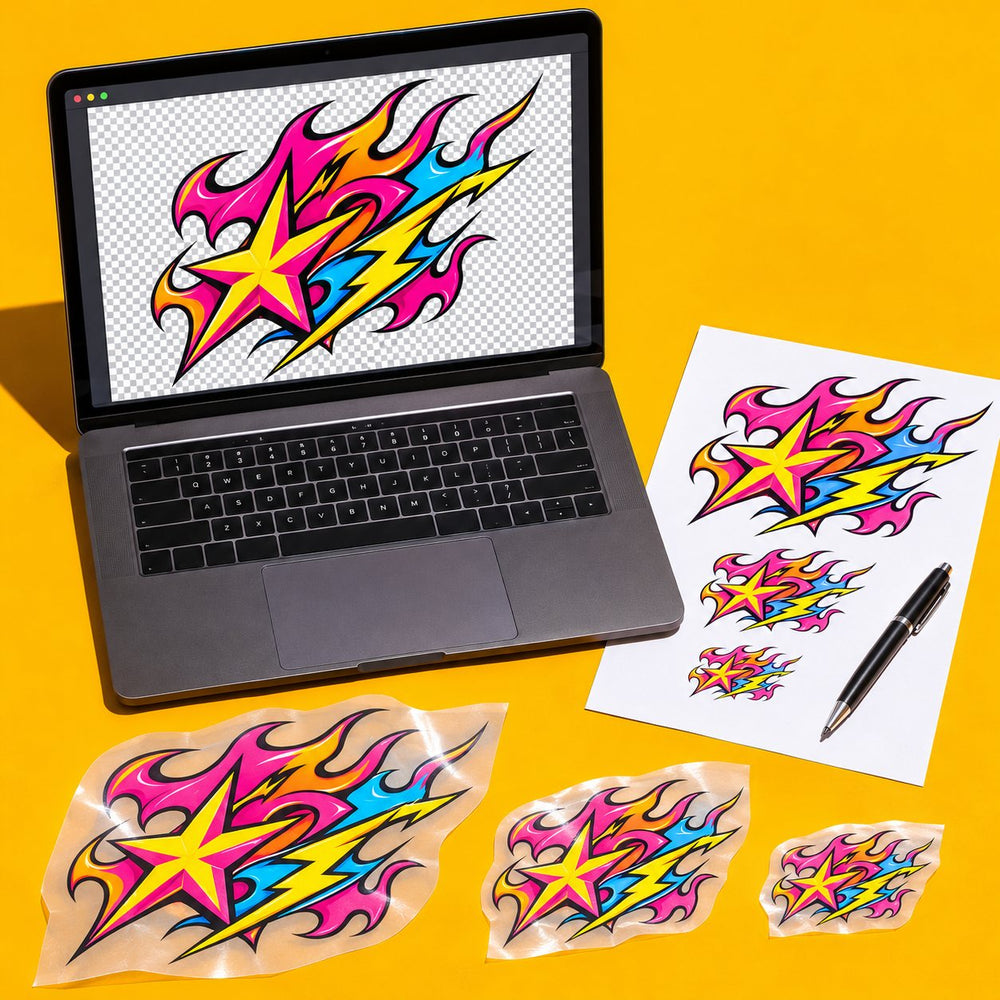
The short version
- Format: PNG with a transparent background.
- Resolution: 300 DPI at the size you want it printed.
- Size: build the file at its final print size, not bigger and scaled down later, and never smaller and stretched up.
- Edges: solid color. No soft shadows, glows or semi-transparent pixels.
- Detail: give thin lines and small text some weight.
Why a transparent PNG
DTF prints everything that isn't transparent. A logo saved as a JPG, or a PNG with a white background, prints with a white box around it. Export a PNG with the background removed, then zoom in and check the edges for leftover pixels.
Check your file in seconds. Drop it into the free print-ready checker to see its real DPI at your print size, a white background, soft glows and lines too thin to print. Got fades or shadows? The halftone generator turns them into dots that print clean.
White parts of your design that you want printed should stay solid white. Only the background should be transparent.
Resolution: 300 DPI at print size
DPI only means something next to a size. A 3000-pixel-wide image is 300 DPI at 10 inches wide, but only 150 DPI at 20 inches. To check a file, divide its width in pixels by the print width in inches. Aim for about 300.
Enlarging a small image in software doesn't add detail back. If a file is too small, go back to the original artwork or rebuild it at full size. Vector files (AI, EPS, SVG, PDF) scale cleanly, so export them to PNG at the final size.
Semi-transparent pixels, shadows and glows
Soft shadows, glows, feathered edges and faded textures look fine on screen but don't print the way they look. Each partly transparent pixel prints as a solid dot or not at all, which leaves rough halos and speckles. Use solid colors, or convert soft effects into a halftone pattern before you export.
Fine lines and small text
At small sizes, thin lines and small text are the first details to break up. As a rule of thumb, keep lines at least about 1 point thick and text at least about a quarter inch tall at final size. Left chest and hat prints need the most care.
Colors
Design in RGB. Screens show more color than ink can print, so very bright neons and saturated blues can print slightly duller than they look on your monitor. If an exact color matters, print a small test first.
Before you upload
- Is the background transparent, with clean edges at 100% zoom?
- Is it about 300 DPI at the size you're printing?
- Are there any soft shadows, glows or faded edges left?
- Is the smallest text readable at actual size?
- Is the spelling right, and do you own or have permission to print the artwork?
Not sure what size to print? See the size guide. Building a sheet with several designs? Read how to pack a gang sheet.
KEEP GOING
